

Handle twice as many business chats with
WhatsApp Team Inbox software
Route customer conversations directly to your Shared Team Inbox.

Trusted by 500+ businesses









FEATURES
Key features and functionalities of WhatsApp Team Inbox software
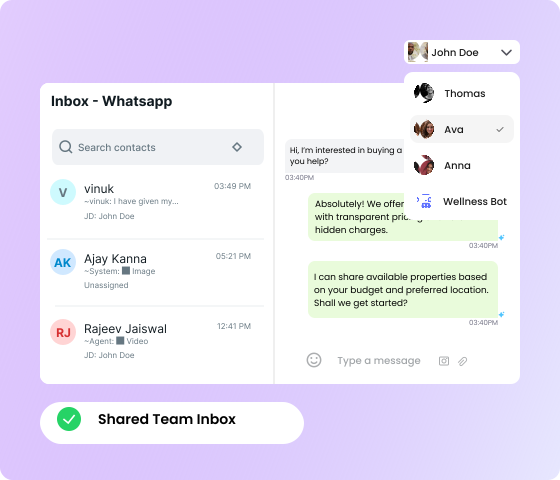
One WhatsApp account, multiple team members
- Access all customer interactions from a single, unified inbox view
- Whether it's 5 or 100 members - get them unique logins with one WhatsApp number
- Never miss a message by engaging users instantly with AI-powered bots.
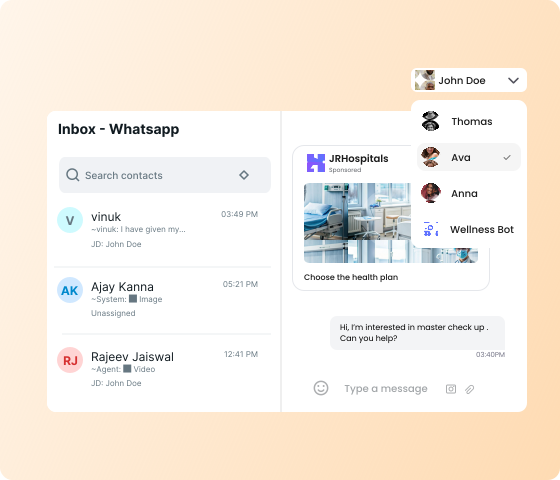
Boost team productivity with a Shared Team Inbox
- Assign conversations to specific team members with clear ownership
- Track conversation status and maintain organized customer communication
- Collaborate across teams without disrupting the customer experience
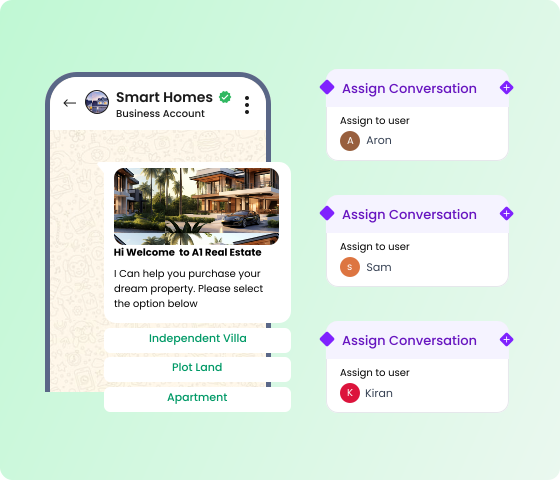
Manage teams better and assign conversations diligently
- Assign teams and roles to users for proper role-clarity and hierarchy across the board
- Decide what type of conversations go a particular team based on their expertise or specialization
- Ensure your reps get a fair shot at hitting their quotas by automatically balancing workloads across teams.
BENEFITS
Benefits of using our WhatsApp Team Inbox software
View 360? chat history of prospects
Access the entire conversation history with each customer to maintain context. No matter who picks up the conversation next, they'll have the full picture.
Get cross-functional visibility
Team leaders can monitor all customer interactions in real-time, ensuring consistent quality and providing guidance when needed.
Pin high-intent conversations
Set up alerts for high-value opportunities that need attention. Add custom tags to every conversation for better segmentation.
Add value with rich media messages
Send messages in multiple media formats with reply buttons, PDFs, catalogs, voice messages, bot templates, videos, images, and more.
SETUP
How to get started with the WhatsApp Team Inbox software
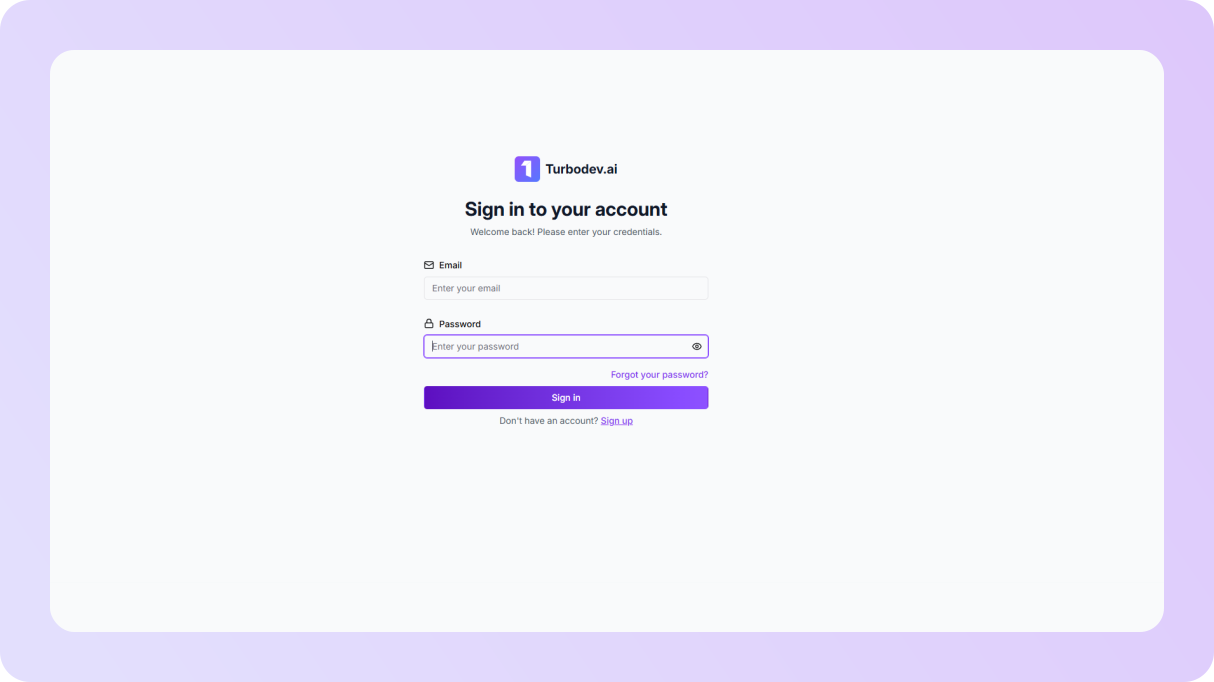
Connect your WhatsApp Business account
Sign up for a Turbodev account and connect your WhatsApp Business API number. Head to Users, Teams, and Roles to start setting up your team with access control.
Open conversations and organize your team
After adding users, permissions, and team structures, head to the Conversations tab to manage and organize incoming chats.
Customize your shared inbox
Set up assignment rules, build bot workflows, add product catalogs, create canned replies, and configure notifications to match your team's needs.
Keep close tabs on agent performance
Start handling live customer conversations on Turbodev's WhatsApp Team Inbox and use our analytics to continuously improve your team's performance.
Sign up for a Turbodev account and connect your WhatsApp Business API number. Head to Users, Teams, and Roles to start setting up your team with access control.
After adding users, permissions, and team structures, head to the Conversations tab to manage and organize incoming chats.
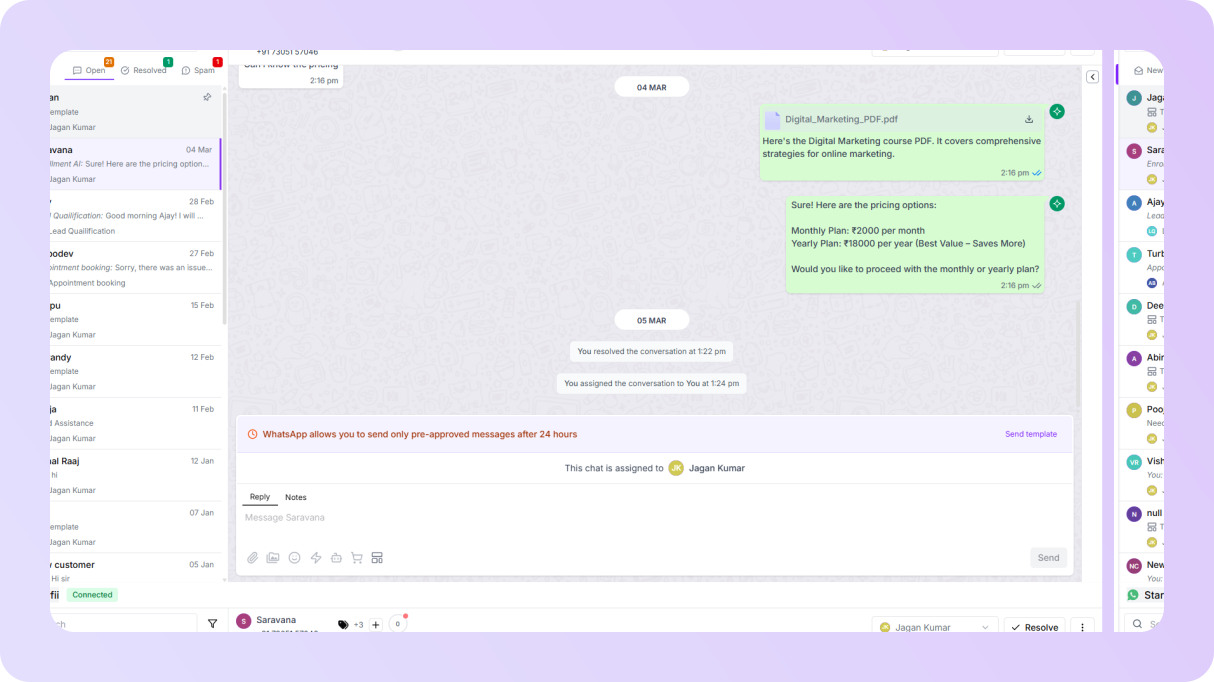
Set up assignment rules, build bot workflows, add product catalogs, create canned replies, and configure notifications to match your team's needs.
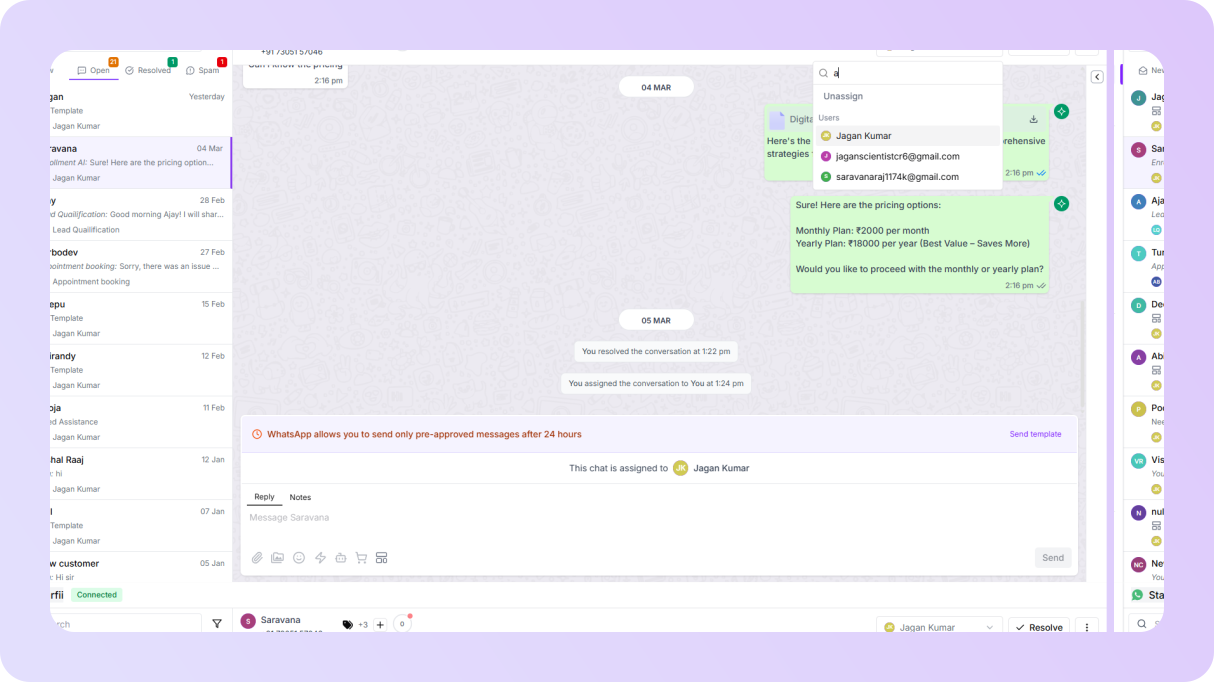
Start handling live customer conversations on Turbodev's WhatsApp Team Inbox and use our analytics to continuously improve your team's performance.
FAQ
Frequently asked questions
Integrate WhatsApp with your Facebook Ads today
Join hundreds of businesses leveraging Turbodev's WhatsApp Business API to scale their customer engagement and drive revenue